'/%3E%3C/svg%3E)
'/%3E%3Cpath%20fill='%23b2b2b2'%20d='M241%20382q0%2016%2017%2026%2017%2011%2042%2011t42-11q16-11%2017-26V269H241'/%3E%3Cpath%20fill='%239f7e00'%20d='M241%20379q0%2014%208%2023%209%209%2021%209%2014%200%2021-9%209-9%209-23V269h-59'/%3E%3Cpath%20d='M241%20339v-70h59v110q0%2014-9%2023l-6%205v-68h-15v72q-8%200-14-4v-68zm59%2040c0%2022%2015%2032%2029%2032%2021%200%2030-18%2030-32v-40h-59'/%3E%3Cpath%20fill='%239f7e00'%20d='M266%20277v5h2v12h-3v-5h2v-5h-9v5h2v5h-4v9h3v18h-5v10h34v-10h-5v-18h3v-9h-4v-5h2v-5h-9v5h2v5h-3v-12h2v-5zm42%20101q0%2010%206%2017%206%206%2015%207%2010-1%2016-7%206-7%206-17v-29h-43'/%3E%3Ccircle%20fill='%230044ad'%20cx='329.5'%20cy='372'%20r='6'/%3E%3Cellipse%20fill='%230044ad'%20cx='300'%20cy='340'%20rx='16'%20ry='21'/%3E%3C/svg%3E)



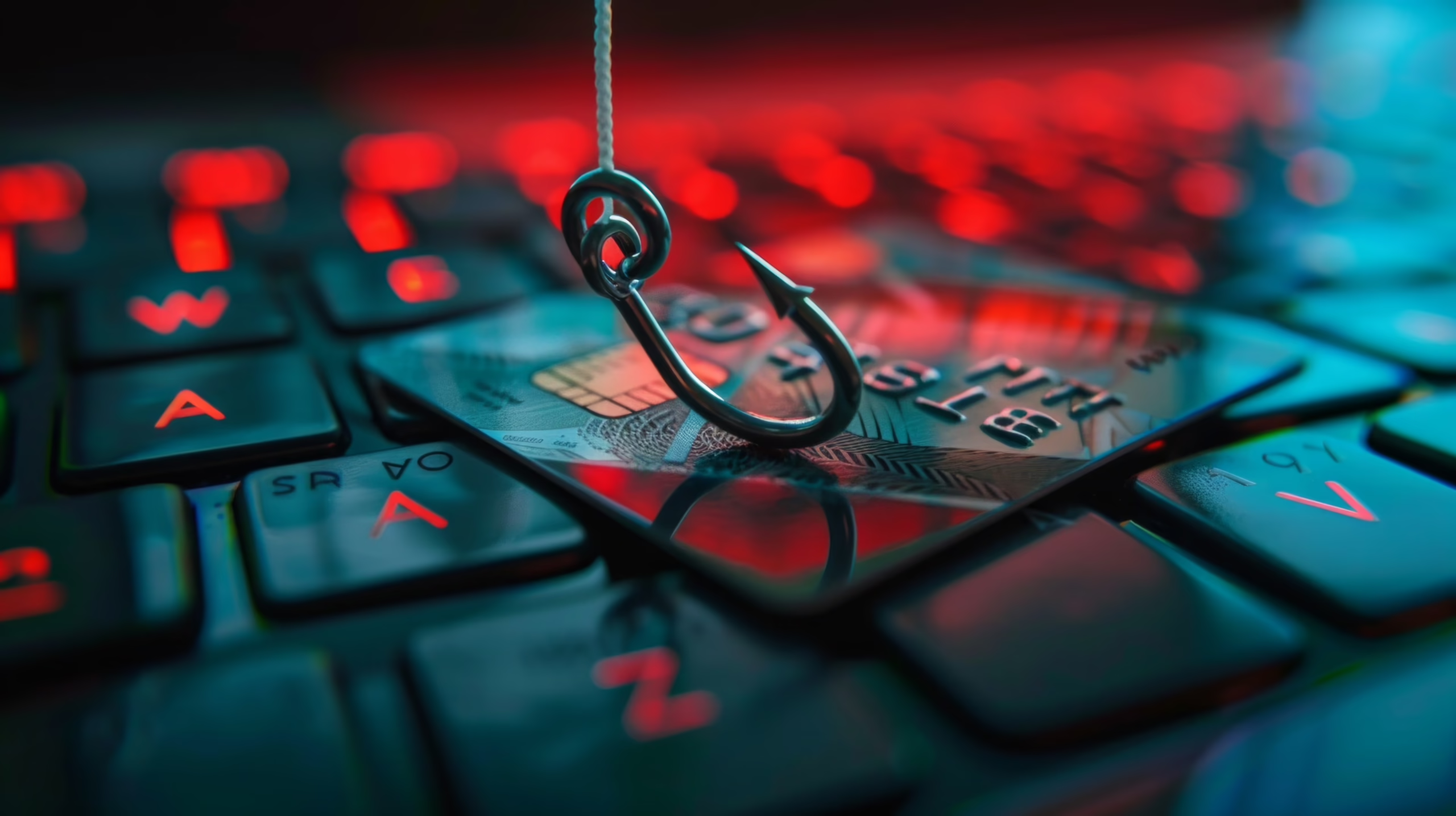
It seemed like an “old” threat, almost a thing of the past. Yet phishing is back at the top of the agenda for businesses, experts and the media. The reason has a precise name: artificial intelligence.
Today’s scam emails no longer have spelling mistakes, generic greetings or blurry logos. They are written in flawless language, tailored to the recipient, and they arrive not only by email but also on Teams, via SMS, calendar invites and QR codes.
In this article we look at why phishing is scary again, what the numbers say, and how a business can truly protect itself, even when an employee clicks the wrong link.

What phishing is (and how it has changed)
Phishing is a social engineering technique: the criminal poses as a trusted party (a bank, a courier, a supplier, a colleague) to convince the victim to click a link, download an attachment or enter their credentials on a fake page.
The goal is almost always the same: stealing passwords and payment data, or gaining a first foothold in the company network, from which to launch more serious attacks such as ransomware.
What has changed is the how. Alongside classic email phishing, there are now several variants:
- BEC (Business Email Compromise): fake emails from executives or suppliers to obtain wire transfers or confidential data.
- Spear phishing: targeted attacks on a specific person or role, built with information gathered online.
- Smishing: phishing via SMS or messaging apps.
- Vishing: phone scams, now also with AI-cloned voices.
- Quishing: malicious links hidden inside a QR code.
The addresses and identifiers are fictitious. Before using them, check that they don’t overlap with other networks in the installation or with subnets reachable via VPN.
In an office, the same design would make it possible to separate visitors from employees and servers. The usage policy would change, but the principle would remain the same: connecting a visitor must not give them access to work resources.
Why phishing is scary again
Artificial intelligence writes the scam emails
According to KnowBe4’s latest report, 86% of phishing campaigns in the past six months used AI, up from 80% in 2024 (source). And it’s not just about volume: AI-generated campaigns are 4.5 times more effective than those written by a person.
AI lets criminals write perfect text in any language, imitate the tone of a company or colleague, and personalize every message with information taken from LinkedIn, websites and leaked databases. The result? The classic advice to “check for spelling mistakes” no longer works.
Phishing no longer arrives only by email
Attackers follow people onto the channels they use every day at work. The same report records a 49% rise in calendar-invite attacks and a 41% rise in Microsoft Teams messages impersonating colleagues. On top of that come SMS, calls with cloned voices and QR codes printed on flyers or embedded in PDF attachments.
A defense that only checks the inbox leaves many doors wide open.
Phishing has become a subscription service
The FBI has warned about subscription platforms for criminals, offering AI-generated lures, ready-made campaign templates and dashboards to track victims (source). This is Phishing-as-a-Service: you no longer need to be a skilled hacker to launch a convincing attack.
The busiest season is about to start
November and December, with Black Friday, deliveries and the holidays, are historically the peak period for fake delivery notices, bogus refunds and too-good-to-be-true offers. The right time to raise your defenses is now.
Europe in the crosshairs: the numbers from Italy
Italy is one of the most exposed countries in Europe and a clear example of how fast the threat is growing.
| Figure | Source |
| 507 serious cyberattacks in 2025, up 42% year on year | Clusit Report 2026 |
| 2.5 billion new records exposed on the dark web in the first half of 2026 | CRIF Cyber Observatory |
| Italy ranks sixth worldwide for compromised emails and third for accounts stolen by infostealer malware | CRIF via Geopop |
| Phishing was the initial access method in 50% of the attacks analyzed | Cisco Talos via Avvenire |
One key detail: infostealers, the malware that silently steals passwords and credentials, spread mainly through phishing campaigns and counterfeit software (source). A single click can open the door to large-scale data theft.
How to spot phishing in 2026
The “classic” signs are no longer enough, but some red flags still work even against AI-written emails:
- Urgency and pressure: “your account will be suspended within 24 hours”, “payment pending”, “final notice”.
- Unusual requests: an urgent wire transfer, a supplier changing bank details, a request for credentials or OTP codes.
- Sender and domain to verify: a domain almost identical to the real one (one different letter, an extra hyphen, an unusual extension).
- Mismatched links: hovering over the link reveals an address different from the one you expect.
- Unexpected channels: a “colleague” writing on Teams from an external account, or a calendar invite from an unknown sender.
- QR codes from unverified sources, especially if they lead to a login page.
The golden rule: if a request involves money, credentials or confidential data, always verify it through a different channel, for example a call to the official phone number.
Why training alone isn’t enough: the role of DNS filtering
Employee training remains essential. But when an AI-generated email is practically indistinguishable from a real one, we have to accept a fact: sooner or later, someone will click. The right question isn’t just “how do I prevent the click?” but “what happens after the click?”.
This is where DNS filtering comes in. Every time a link is opened, the device first has to “ask” the DNS for the site’s address. A DNS filter intercepts that request and, if the domain is known to be malicious, blocks the connection before the page loads. The employee never reaches the fake login.
How FlashStart protects against phishing
FlashStart is the cloud DNS filtering solution that adds this layer of protection to your company network:
- Blocks phishing and malware domains before the user reaches the fraudulent page.
- Works on every channel: whether the link arrives by email, SMS, Teams, WhatsApp or QR code, the request still goes through DNS and gets filtered.
- Real-time updated database, to keep pace with the new domains mass-produced by automated campaigns.
- Up and running in minutes, with no hardware to install, protecting every device on the network.
- Centralized management from a single console, ideal for MSPs and resellers managing multiple clients.
In practice, FlashStart turns DNS filtering into a safety net: even when a scam email gets past other controls and fools the user, the damage is stopped before it starts.
Checklist: how to protect your business from phishing
- Enable a DNS filter like FlashStart to block malicious sites at network level.
- Turn on multi-factor authentication (MFA) for email, VPN and cloud apps.
- Configure SPF, DKIM and DMARC to reduce emails spoofing your domain.
- Run regular training and phishing simulations, not just one course a year.
- Define a verification procedure for wire transfers, bank detail changes and urgent requests.
- Create a simple way to report suspicious emails to IT.
- Keep systems and browsers up to date.
A layered approach is also what the NIS2 directive requires: concrete technical and organizational measures, not just good intentions.
Frequently asked questions about phishing
- What is phishing in simple terms? It’s an online scam in which a criminal poses as a trusted person or company to steal passwords and payment data or to access company systems.
- Why is AI phishing more dangerous? Because the messages are error-free, tailored to the recipient and produced at scale. According to KnowBe4, they are 4.5 times more effective than those written by a person.
- Is antivirus enough to protect against phishing? No. Phishing aims to deceive people, not always to install malware. You need multiple layers: DNS filtering, MFA, email protection and training.
- What does a DNS filter do against phishing? It blocks connections to malicious domains before the page loads, on any device on the network and whatever channel the link came from.
- What should I do if I clicked a phishing link? Disconnect the device from the network, change the affected passwords immediately from another device, alert IT and check for any suspicious activity.
Conclusion
Phishing never went away: it evolved. With artificial intelligence it has become more convincing, faster and accessible to anyone who wants to strike. For any business, the answer can no longer be just “be careful”.
You need protection that works even when human error happens. Try FlashStart for free and add a DNS filter to your network that stops phishing before it becomes a problem.
Sources